Remote work is the new routine for millions, but staying safe isn’t only a matter of connecting through a VPN. In my experience, a good VPN is just the first step; stronger defense requires weaving together layers of protection. Every day, I see clever attacks slip through places most teams never think to look.
Protection is not a checklist. It’s a careful, living process.
In this guide, I will share practical measures beyond VPNs, as well as advice inspired by cybersecurity talks and real cases presented by experts like Thiago Vieira. My goal is to help organizations and professionals build real resilience for their remote setups—without jargon or fear-mongering.
Why focusing only on VPNs is risky
I have noticed that when most people set up remote work, their sense of relief after a VPN connection is almost visible. Yet, this is just one shield.
- VPNs encrypt your data in transit, but they don’t keep your endpoint—the laptop or phone—secure from malware or theft.
- If your device is infected, attacks can pass through the VPN tunnel undetected.
- VPNs do not update software, control device access, or manage user behavior.
No matter how strong your VPN, a weak or outdated device still opens the door to attacks.
The human factor: training and awareness
Many breach stories I have encountered trace back to someone clicking a malicious link or opening a dangerous attachment. I think education is the most overlooked safeguard for remote workers.
- Regular cybersecurity awareness training makes a difference. People stop, think, and question instead of clicking automatically.
- Share real stories and simulated attacks. They stick much better than theory.
- Encourage a culture where reporting a mistake is normal rather than a reason for blame or fear.
If you follow the work of professionals like Thiago Vieira, you’ll notice how practical examples stick with people—and I have seen this approach clear up big misunderstandings at all levels of an organization.
End-to-end device security steps
Beyond a VPN, I believe these are the areas every remote worker and IT team should address:
Keep all devices updated
Security updates fix flaws that attackers use. In my day-to-day, I find outdated systems are usually the weakest link. Automatic updates for operating systems and apps make this easier.
Use strong, unique passwords and MFA
Password leaks are still one of the most common causes of incidents I see in digital forensics. I always advise:
- Use a password manager. It’s far better than writing passwords down or reusing them.
- Turn on multi-factor authentication (MFA) everywhere possible. MFA can block many types of credential attacks, even if passwords leak.
Thieves rarely break through MFA unless they get very lucky—or very sneaky.
Separate work and personal environments
I think mixing work and personal activities is a hidden risk. When someone uses one device for everything, personal downloads or games can introduce threats that later target company data.
- If possible, use dedicated work devices.
- Set up separate user accounts for work, even on personal devices.
Control access and device permissions
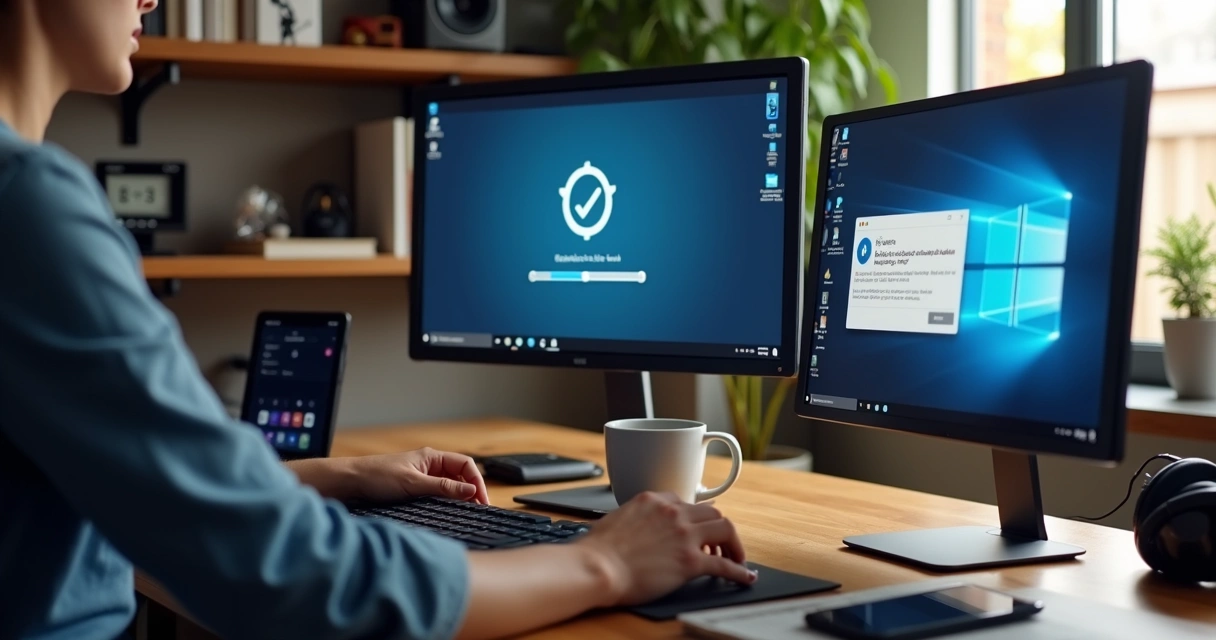
Controlling what software can run and which external devices connect keeps trouble out. In my research, tools that block unapproved apps or limit USB use make a big impact.
- Set operating system permissions so only trusted applications can run.
- Block or restrict USB storage devices and external drives unless needed for work.
- Use user accounts without administrator rights for daily activities.
Each limit on device permissions reduces the space attackers can operate in.
Physical device security can’t be ignored
You’d be surprised how often laptops get stolen or lost, even by the most security-aware. I remember a case Thiago Vieira described where encrypted drives meant everything stayed safe, even after a theft. This is why I urge:
- Encrypt data at rest using built-in tools like BitLocker or FileVault.
- Use strong log-in passwords and screensavers with auto-lock.
- Tether devices physically in public spaces (with security cables, for example).
If your device vanishes, these steps mean the data doesn’t, too.
Secure connections: home networks and beyond
VPNs help, but attackers can still target your home Wi-Fi, especially if you use default settings. I have seen many secure devices left open to attacks because the router itself is neglected.
- Change your router’s default password and username. Default credentials are widely known.
- Use strong Wi-Fi encryption (WPA3, if available).
- Don’t share your Wi-Fi password loosely. Visitors or neighbors can bring unexpected risks.
When stepping away from home, connect only to trusted networks—and always with a VPN. But, as I often point out, safe Wi-Fi reduces much of the risk from the start.
Security tools that add real protection
While a VPN secures part of your traffic, several other tools help shield the rest. I have witnessed IT teams achieve better outcomes when they require:
- Up-to-date antivirus or endpoint protection (built-in or approved by your IT staff)
- Regular backups—both to the cloud and on encrypted external drives
- Device management tools that let admins wipe, lock, or locate lost equipment
- Remote monitoring to watch out for strange behavior or software
No single tool is enough on its own; the best setup brings several layers together for safety.
Learning from real incidents and keeping up to date
Nothing brings security lessons home like real-life stories. That’s why I recommend diverse resources, including conference talks, articles, and practical guides like those found in the Thiago Vieira knowledge base. I often reference his recent posts and trainings when helping clients rethink their remote setups.
Cybersecurity doesn’t stand still. Attackers change tactics rapidly. Keep current with trusted sources, follow advice from security professionals, and don’t wait for a breach to fix the gaps.
Conclusion: Building digital confidence for remote work
Working remotely is here to stay. Securing devices goes way beyond ticking the box for a VPN. In my view, it’s the mix of strong technical controls, routine training, practical stories, and staying updated that makes the real difference.
If you want a deeper look into digital resilience or you are planning a security talk for your team, read more on our guidance for everyday protection or check our practical stories from the field. Improving your digital defenses starts with real insight and action—let us support your journey with knowledge and clear advice.
Frequently asked questions
What is endpoint security for remote work?
Endpoint security refers to protecting laptops, phones, and tablets used by remote workers from malware, breaches, and unauthorized access. It means more than just running antivirus; it combines device updates, strong passwords, encryption, access controls, and regular monitoring. With remote setups, each employee’s device becomes an entry point for attacks, so securing them is just as valuable as securing the company server.
How to secure devices without a VPN?
Even without a VPN, you can make devices safer by enabling automatic system and application updates, turning on multi-factor authentication, using unique strong passwords, running updated endpoint protection, and encrypting local data. Avoid using public Wi-Fi, or if you must, never send sensitive information unless it’s through encrypted websites (https). For a deeper breakdown, you can find step-by-step advice in practical device protection guides.
What are the best security tools?
Some top security tools for remote work devices are password managers, endpoint protection software, system backup solutions, and remote administration tools for lockdown and recovery. Each situation will require different tools, but always favor those recommended by security professionals and with regular support or updates.
Is antivirus software enough for protection?
Antivirus is valuable, but in my experience, it’s not enough by itself. Modern attacks use phishing, software bugs, and social engineering, so combine antivirus with:
- Frequent software updates
- Multi-factor authentication
- Data encryption
- Employee awareness training
How often should devices be updated?
Devices should be updated as soon as updates become available—preferably with automatic updates turned on. Delaying updates leaves gaps that attackers often target first. Set systems and software to check for new updates every day, and review critical ones as soon as notified.