

Phishing attacks continue to be a real threat in work environments. I have seen clever phishing attempts fool even experienced professionals, causing losses both personal and corporate. In my talks as part of the Thiago Vieira project, I often address real cases that show how a single disguised email can open the doors for cybercriminals. In this practical guide, I will show, from my own perspective and experience, how you can spot phishing in work emails and protect your organization.
Understanding phishing: What is at stake?
Before identifying phishing, I find it necessary to clarify what it is. In simple terms, phishing is any attempt to trick you into giving away personal or company information through a digital message that looks trustworthy, but comes from a criminal.
Phishing preys on trust and routine.
Work emails have become a favorite gateway for these attacks. Large volumes of messages, the pressure to respond quickly, and familiar sender names can make anyone drop their guard. That is why thinking critically about every email, even those from your boss or IT department, matters so much.
Common signs of phishing emails at work
In my experience, phishing emails often share some characteristics that, with a trained eye, can alert you before any harm is done. Here are some of the main signs I always look out for:
- Urgency or threats: Phishing emails commonly urge you to act fast—change a password, pay an overdue invoice, or avoid suspension. The goal? Make you panic and act without thinking.
- Suspicious sender address: Even if the display name looks right, the real email address can show strange domains or misspelled company names.
- Unexpected or odd attachments: Files you didn’t request, especially those with extensions like .exe, .zip, or .docm, can hide malware.
- Poor grammar and spelling: Many phishing attempts have subtle or blatant mistakes. They might sound unlike the usual communication from that contact.
- Unusual requests: Emails asking for personal information, passwords, or payment details should always trigger alertness.
- Links that don’t match: Hovering your mouse over a link often reveals a destination that does not match the supposed site. If it is a financial, HR, or admin site, check with extra care.
The combination of urgency, strange attachments, and inconsistent links is a sure red flag for phishing.
How I analyze suspects: My practical checklist
Spotting phishing requires a method. Over time, I have shaped a personal checklist, drawing on lessons from cases I discuss in my lectures. If you follow this routine, your chances of falling for an attack drop radically.
- Read the sender’s address carefully. Ignore the display name and focus on the ending, such as @company.com or an odd variation.
- Hover over all links—never click straight away. See if the domain is really what you expect. Secure links should start with https:// and match your workplace’s real web addresses.
- Reflect on the message's tone. Is it unusually urgent or menacing? Companies rarely threaten employees for routine actions.
- Ask yourself: Is this an unexpected request, like updating credentials out of nowhere or verifying payroll info on a short deadline?
- Scan for spelling and grammar issues unusual for company emails. Small errors can be big clues.
- Never open attachments unless you expect them and know the sender well.
- If in doubt, contact the real sender by another method (call or internal chat) to confirm the request.
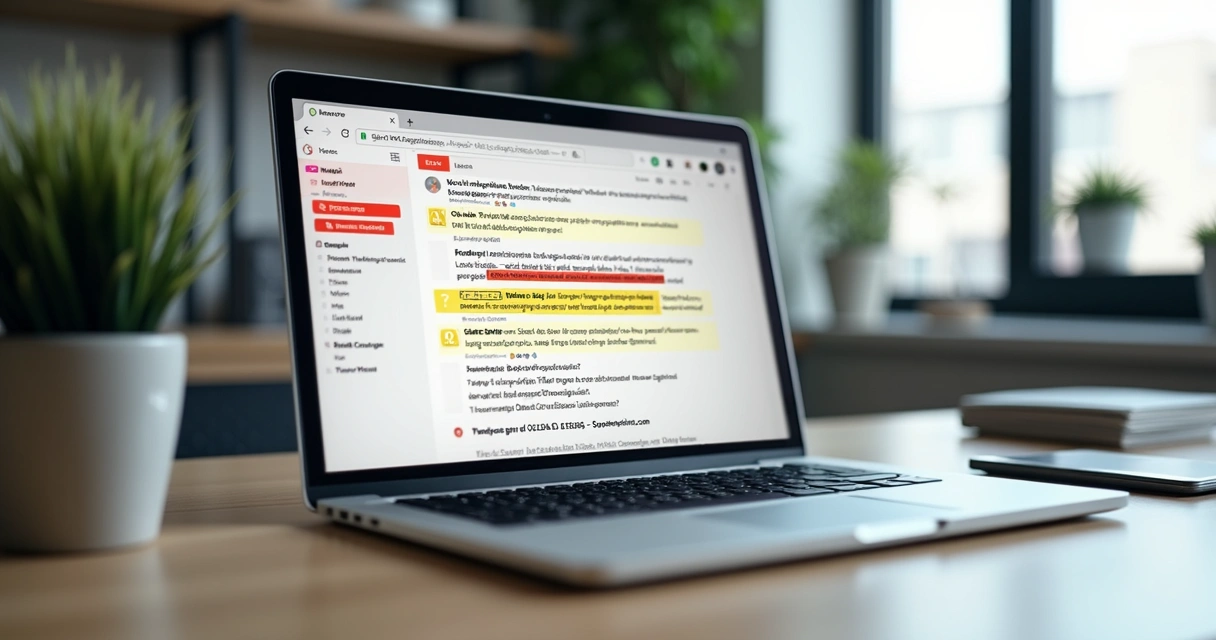 Having clear steps makes all the difference. You can print this list, or share it within your own department as an everyday defense tool.
The new face of phishing: Real examples from the field
Phishing has changed a lot. In my lectures for the Thiago Vieira project, I always show that today's attacks are much more "personalized" than in the past. Criminals gather info on LinkedIn, news, and even events to craft believable emails. For instance, I have seen:
- Fake requests from HR right after a company announcement.
- Messages from “IT” during system maintenance periods, asking employees to quickly update passwords.
- Copies of real supplier invoices with just one digit or letter changed in the payment details.
Modern phishing looks almost real, but it always has a slight oddity if you pay attention.
I recommend reading more real-world digital forensic situations on my author's page: Thiago Vieira. You can see how attackers adapt after each company change or crisis, and learn more about preparation and response.
What to do if you suspect phishing?
Even with all the preparation, sometimes a message looks so real that you hesitate. When that happens, I always suggest:
- Don't reply to the email or click on any links.
- Never download or open attachments from suspicious messages.
- Report the email to your security or IT team immediately. Most organizations have a procedure, or you can forward the email as an attachment for analysis.
- If you have already clicked or entered data, disconnect your computer from the internet and inform IT right away.
- Pause and reflect before acting, especially if you feel pressured by the message.
Reacting quickly and responsibly can stop an attack from spreading and hurting your team.
How to build daily resilience against phishing
Over the years, I have gathered a few daily habits to help teams spot and report threats before they become disasters:
- Keep learning—phishing tactics evolve. Share new examples and tips in meetings or training, like I do with real-world stories in Thiago Vieira sessions.
- Encourage double-checking among colleagues. If a request is urgent or confidential, check with another channel before taking action.
- Configure email filters and mark suspicious emails as spam. Organizations can also block known malicious domains and file types.
- Practice safe password habits, like never sharing them and changing them periodically.
- Promote a culture in which no one feels ashamed for reporting a suspicious message. The sooner the warning, the safer everyone is.
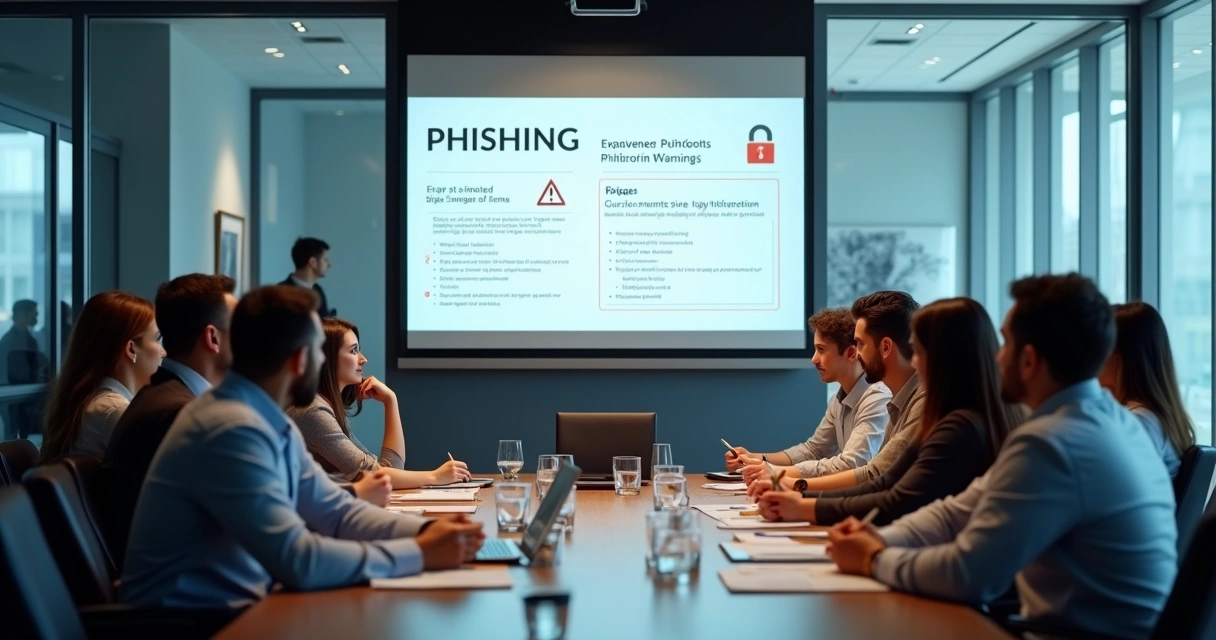 For more on daily digital defense routines and practical examples, my article about protecting against cyber scams can be a good next read. Staying alert is an ongoing habit, not a one-time lesson.
Training and awareness: A shared responsibility
Spotting phishing is not just an IT job; it is a shared responsibility. I have seen the best results when everyone, from interns to managers, understands the risks and knows how to react. Simple awareness sessions, as I do in Thiago Vieira programs, help everyone develop a “detective eye.”
Want more practical cases and tips? My other articles on digital forensics and incident response discuss how early detection has saved companies from more serious crises.
Conclusion: Be vigilant, be proactive
The threat of phishing in work emails is constant, but you do not have to live in fear. In my years working with digital forensics and as part of the Thiago Vieira project, I have seen the value of practical, informed vigilance. By following the checklist and adopting secure habits, you and your team can spot most attacks before damage occurs.
Staying alert is your best defense against digital threats.
If you are interested in deeper training, awareness sessions, or want to see how real cases have shaped my strategies, explore more in my articles and services on the Thiago Vieira blog search page. Empower yourself and your organization to face digital threats head-on.
Frequently asked questions about phishing in work emails
What is phishing in work emails?
Phishing in work emails means receiving a message that looks legitimate, but is designed by criminals to steal your information or infect your computer. Most often, these emails pretend to come from trusted contacts, departments, or companies, and ask you to click links, download files, or enter sensitive data.
How to spot a phishing email?
To spot a phishing email, I check for urgency in the message, small errors in spelling or grammar, odd requests for data or payment, and sender addresses that don’t match the real company. Hovering over links (without clicking) usually reveals if the destination is suspicious. If anything seems unusual or unexpected, do not act until you verify it through another trusted communication channel.
What are common phishing email signs?
Common signs include: urgent or threatening language, unexpected attachments, requests for confidential data, sender addresses that differ slightly from official ones, and links that do not match the display text. Poor grammar and copycat logos or formatting can also give away a phishing attempt.
What should I do if I get phishing?
Do not reply, click links, or download files from the email. Report it to your IT or security team right away. If you already clicked or entered any details, let your IT department know as soon as possible so they can help respond quickly. The sooner your organization knows, the faster they can act.
Can phishing emails harm my company?
Yes, phishing emails can cause financial loss, data breaches, reputation damage, or disruption of operations if staff fall victim to them. Even a single clicked link can allow criminals to enter your company network or steal information.